
01 / GET THERE
Your usual tools.
One familiar place.
Keep QuickBooks, Google Workspace, Ramp, BILL, and HubSpot close. Choose which links appear and add your own.
Supporting Launch · Your daily workspace
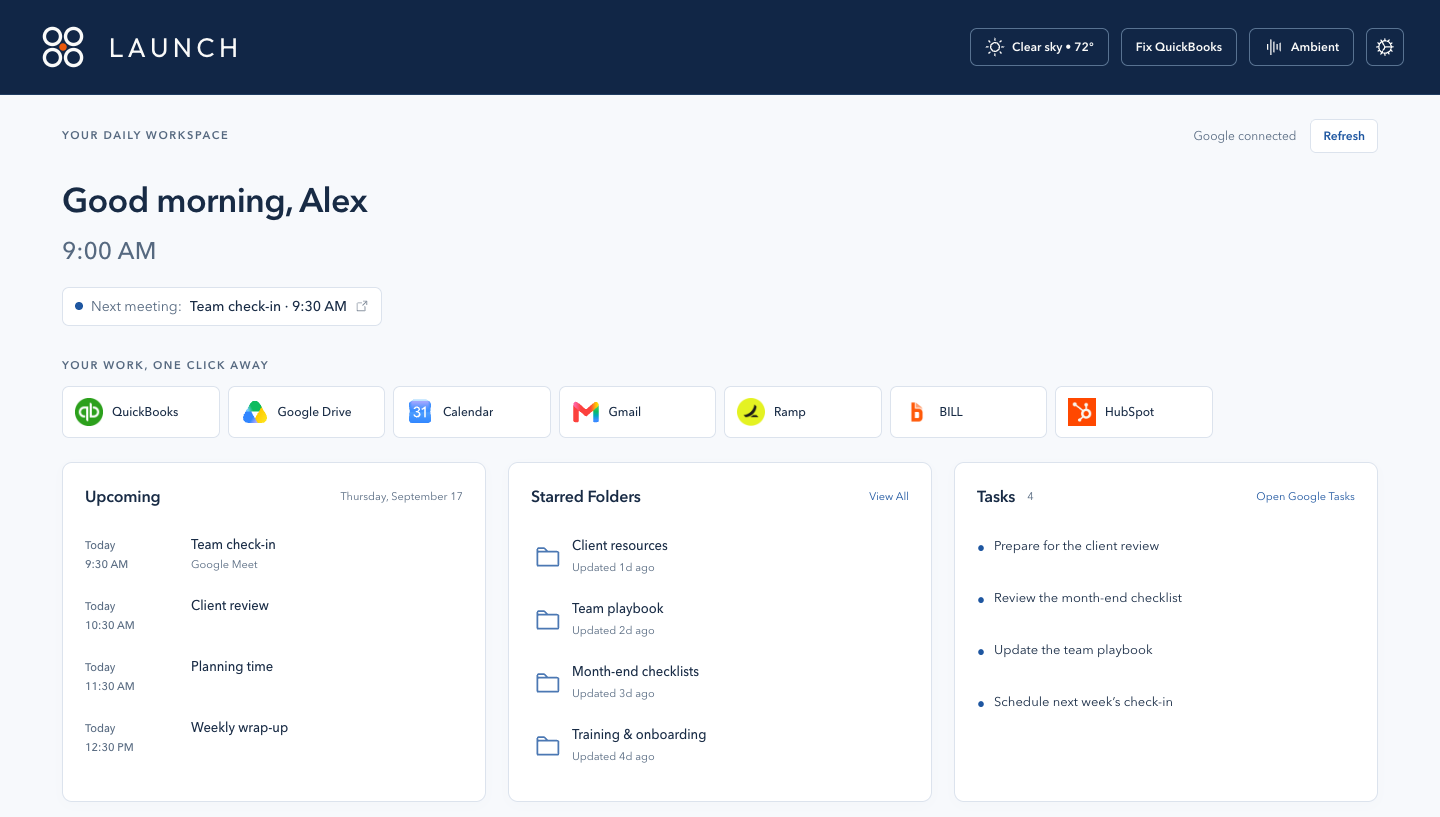
Open a new tab. Find your next meeting, your go-to tools, and the things you need to move your day forward.
Built for our internal team. Available through your organization’s Launch administrator.
Less looking. More doing.
Your new tab becomes a useful part of the day, with the details that help you decide what comes next.
01 / GET THERE
Keep QuickBooks, Google Workspace, Ramp, BILL, and HubSpot close. Choose which links appear and add your own.
02 / SEE WHAT’S NEXT
Connect Google to see upcoming meetings, starred Drive folders, and tasks. Keep quick notes beside the work.
03 / MAKE IT YOURS
Arrange your widgets, check the weather, and make room for the team’s pet photos. Choose light, dark, or your system theme.
Time for one thing
When it’s time to settle into a task, a large countdown puts your focus session front and center. Work, take a break, and find your rhythm.
Add an ocean-inspired soundscape, gentle rain, or your choice of white, pink, brown, and green noise.
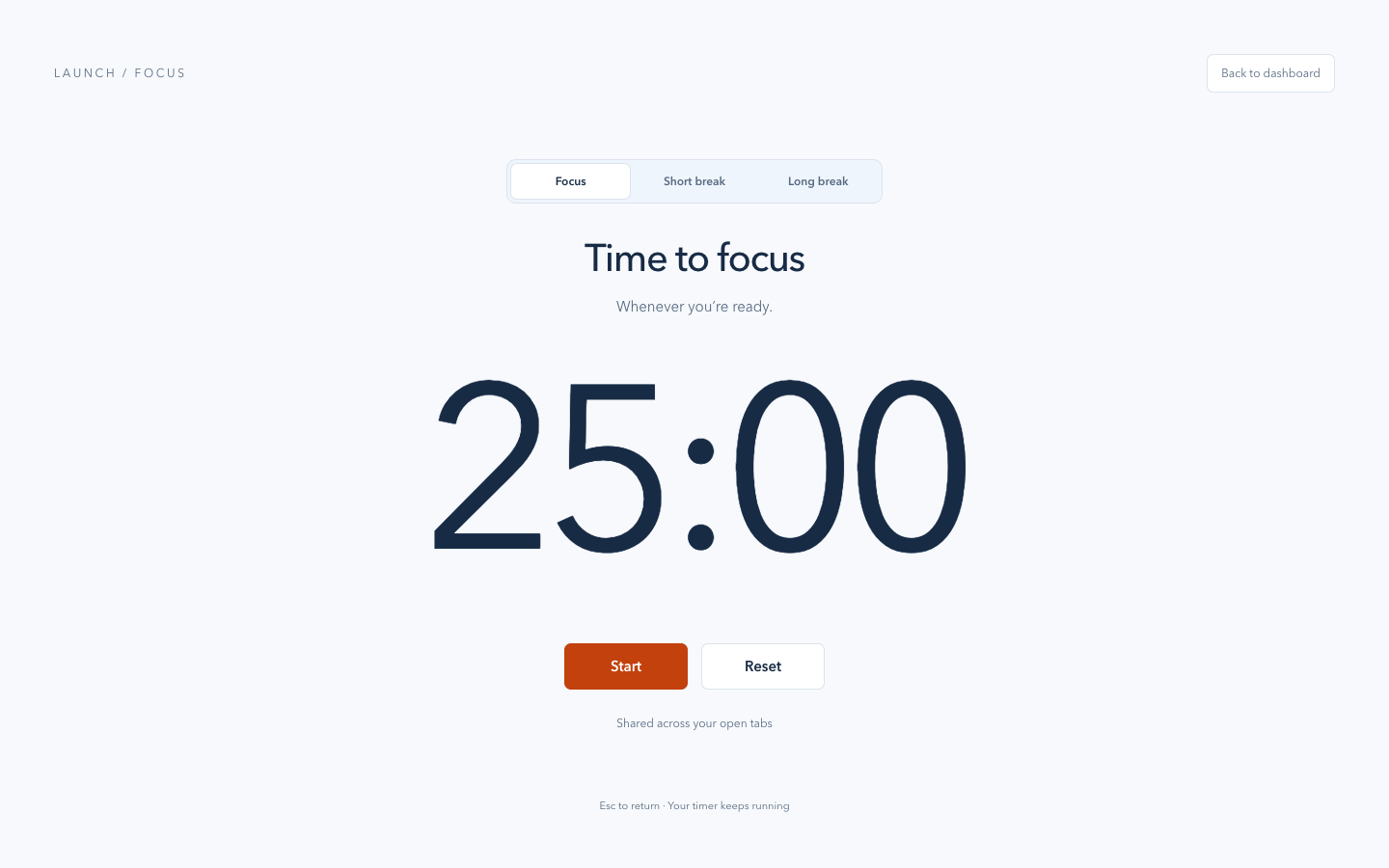
Ocean · Rain · White · Pink · Brown · Green
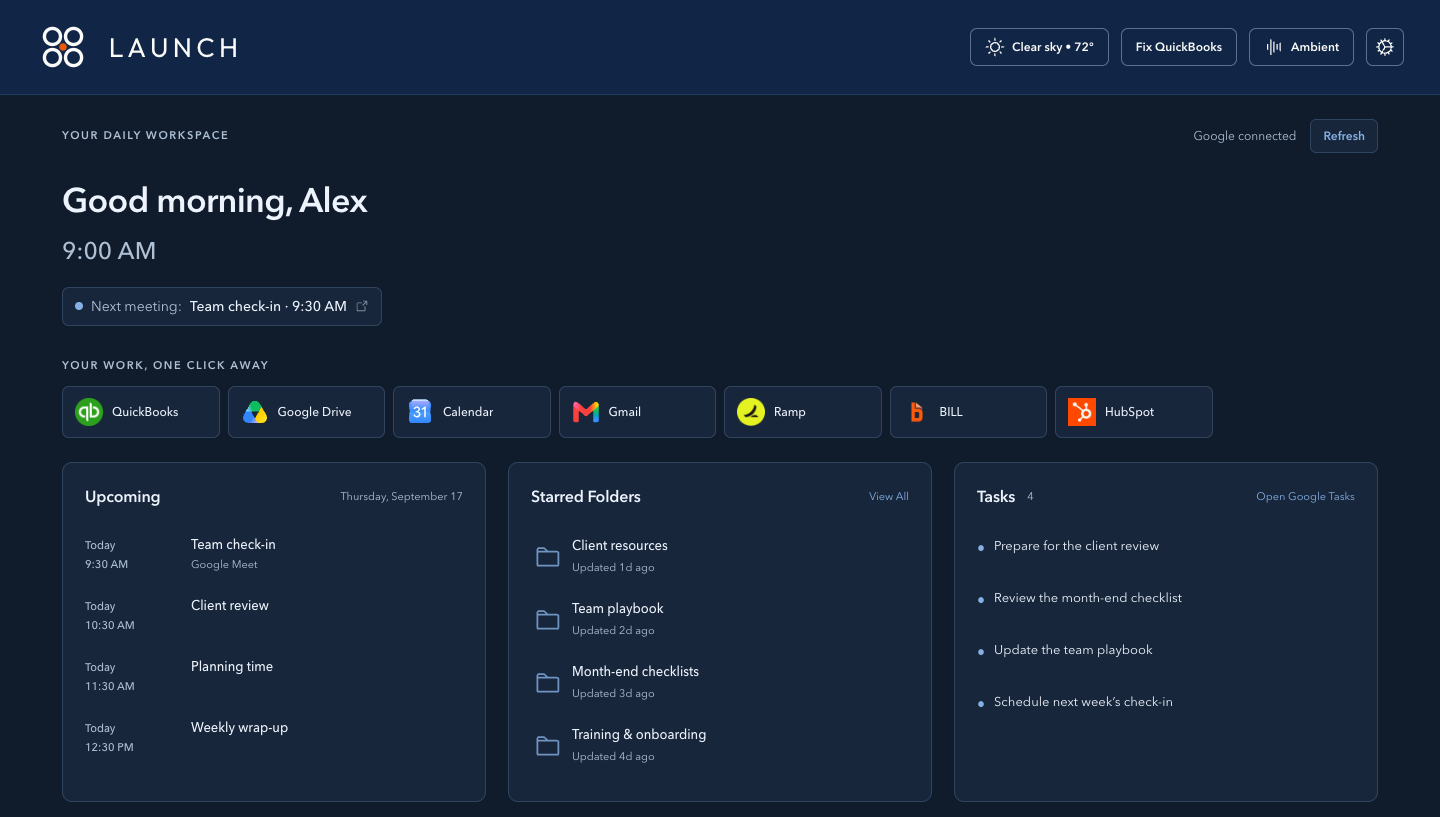
A workspace that fits
Keep the widgets you use, hide the ones you don’t, and drag them into the order that works for you.
Your notes stay on this device. Layout, theme, and other preferences can follow your Chrome sync settings.
See how Launch handles your dataA little help along the way
Fix QuickBooks helps reset an Intuit browser session when you’re having trouble getting in. Review what will be cleared and confirm before anything changes.
This can sign you out of Intuit services. Launch does not read your QuickBooks financial records. Supporting Launch is an internal tool and is not affiliated with Intuit.
For installation, support, photo-folder access, or privacy questions, contact your internal IT team or the administrator who provided Supporting Launch.